AI Infrastructure Stack
AI Agent Stack
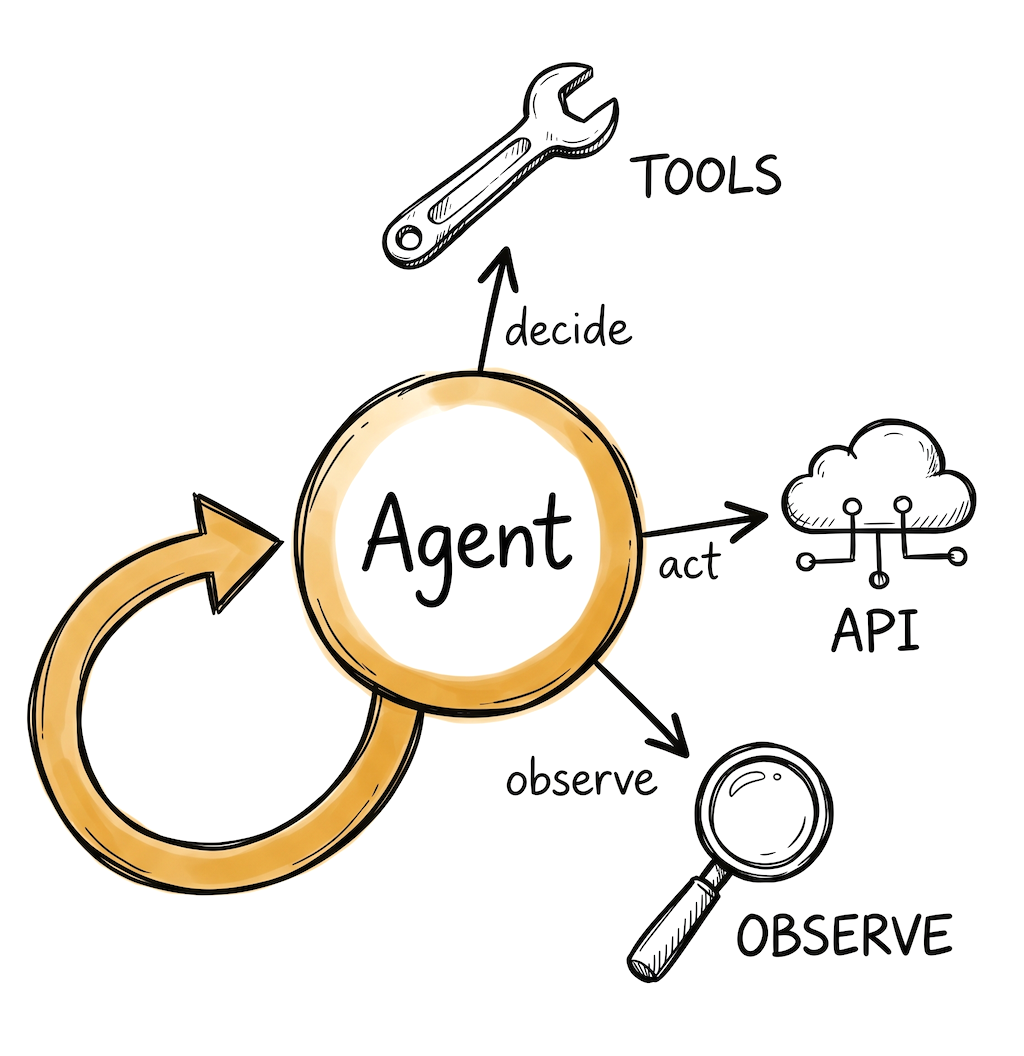
For teams building agents that call tools, make decisions, and take actions. Latency matters here because every step is a model call, and costs can compound fast without guardrails.
Inference API
☁️Agent workflows chain multiple LLM calls, so latency and cost compound. A 500ms model call that runs 8 times in a loop is 4 seconds of waiting. Pick a provider with low first-token latency and good tool calling support.

Very low first-token latency on custom LPU hardware. Makes multi-step agent loops feel responsive. Free tier available. Smaller model catalog than GPU providers.

High throughput on open-source models. 1M free tokens/day. When each agent step returns in under a second, multi-step runs see dramatic wall-clock improvements.

Strong tool calling and structured output. Extended thinking mode for complex reasoning steps. The API supports multi-turn tool use natively.
Framework (or not)
🔧A strong contingent of developers builds agents with just the provider SDK and standard Python. The model APIs now handle tool calling natively. A framework adds value when you need state persistence, crash recovery, or multi-agent coordination.

Models agent workflows as directed graphs with explicit state management. Supports crash recovery and time-travel debugging. Used by Klarna, Replit, Elastic. Steeper learning curve, but the most control.

Role-based agent abstraction (define agents by role, goal, backstory). Generally faster to get a prototype working than LangGraph, but less control when agents misbehave in production.

Type-safe agent development. Catches logic errors at development time through Python's type system. Less "magic" than CrewAI, more structured than raw SDK. Growing fast.
Observability & Guardrails
🔍Agent debugging is harder than single-call debugging. An agent that loops 12 times, calls 3 tools, and spends $2 on a single query needs to be visible. You also want cost limits and loop detection to prevent runaway agents.

Traces multi-step agent runs as nested spans. See every tool call, every LLM response, every decision point. Framework-agnostic. Free tier, 50K events/month.

Built specifically for agent observability. Session replays, cost tracking per agent run, and compliance monitoring. Integrates with CrewAI, LangGraph, and OpenAI Agents SDK.

Open source, OpenTelemetry-native. Good for teams that want agent traces in their existing Datadog or Grafana setup rather than a separate dashboard.
Things to keep in mind
- Start with a single agent and one or two tools. Multi-agent systems are tempting but most production use cases work fine with one well-designed agent. Add agents when you have a clear reason.
- Set cost and loop limits from day one. An agent that enters an infinite retry loop can burn through your API budget in minutes. Most frameworks support max iterations and token budgets.
- Tool calling quality varies by model. Test your specific tools with your specific models. A tool that works well with Claude might fail with an open-source model, and vice versa.
- The "do I need a framework?" question is real. If your agent calls 2-3 tools in a loop until done, the provider SDK is probably enough. A framework helps when you need durable state, parallel tool execution, or human-in-the-loop approval steps.
Frequently asked questions
Do I need a framework to build an AI agent?
Not always. For an agent that calls 2-3 tools in a loop, the provider SDK (OpenAI, Anthropic) is often enough. A framework like LangGraph or CrewAI helps when you need durable state, crash recovery, or multi-agent coordination.
Which inference provider is best for AI agents?
Latency matters most for agents because every step is a model call. Groq and Cerebras offer very low latency on open-source models. Anthropic Claude and OpenAI have strong tool calling support for complex reasoning.
How do I prevent an AI agent from running up costs?
Set max iteration limits and token budgets per run from day one. Use observability tools like Langfuse or AgentOps to track cost per agent session. Start with cheaper models for simple steps and route complex reasoning to stronger models.
Should I build a single agent or a multi-agent system?
Start with a single agent. Research shows most production use cases work well with one agent that has good tools and a clear prompt. Multi-agent systems add coordination overhead and are worth it only when tasks span genuinely distinct domains.
Last updated: April 2026

Is your product missing?